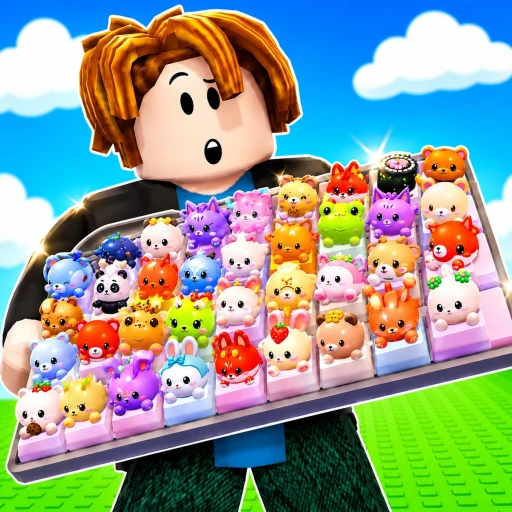
Custom Keyboards! Codes
10 working codes · updated Sep 28, 2026 · 171 playing
Working codes
Frequently asked questions
- What are the working codes for Custom Keyboards!?
- How do you redeem codes in Custom Keyboards!?
- Open Custom Keyboards! on Roblox, find the Codes button (in the Shop or Settings menu, or a gift icon), type the code exactly as shown and press Redeem.
- Why doesn't my Custom Keyboards! code work?
- Codes are often case-sensitive, many expire after a while, and most work only once per account. Some games also ask you to like the game or join its group first. If a code still fails, it has probably expired.
- When do new Custom Keyboards! codes come out?
- Developers usually post new codes with updates and like milestones. Follow Custom Keyboards! on RBLXSTAT and we'll notify you when a new code appears.
More games with codes

[🎃] Blox Fruits
299K92%
99 Nights in the Forest 🔦
218K91%
[🎯] RIVALS
187K94%

[🎃] Jujutsu Shenanigans
97.6K86%
🌻 Dandy's World [ALPHA]
94.8K89%

[☀️UPD 21🏖️] Anime Adventures
72.3K92%
Fisch 🎩 [COMPANION HATS]
67.2K91%

[🏝️UPD] Fish It! 🐟
65.7K83%

Survive Your Ideas
57.3K89%

[RELEASE] Anime Crusaders X
55.4K98%

[🐉UPD 11 PART 1🎃] King Legacy
55.1K92%
[HALLOWEEN] The Strongest Battlegrounds
54.6K84%